On Time, Every Time.
The Catering Calculator, Explained: Menus, Prices, Yields, and Your Numbers
The catering calculator turns a headcount into a defensible price. You tell it who is eating and what you are serving; it works the whole chain backward – portions, trim and bone loss, cook shrink, purchasable pieces, labor, fuel, travel – and shows your cost and four ways to price it, side by side. This guide covers the parts that make it YOURS: the menu system, your saved prices and yields, buying forms, and the defaults that mean you never type the same number twice.
Start with the job
Guests first, including how many are kids 12 and under – kids count as half portions on the meats, and if hot dogs are on a multi-meat menu you can tell it what share of kids take a dog (default 75%, about 2 franks each) so the brisket math stops feeding phantom eight-year-olds. Then pick the meal type (each option states its ounces per head), the service style (buffet, family-style, plated, drop-off – each explains its built-in overage), and how the food gets there: cooked on-site, cooked at home base and transported (the drive rides inside the rest window, the classic catering play), or cooked ahead and reheated.
My menu: what you sell, in your order
Under My Defaults, every meat, side, and dessert we carry appears as a pill. Click one to mark it unavailable – it disappears from your pickers but nothing is deleted; any prices or times you saved for it wait for its return. Drag pills to set the order your pickers and client documents use, so your signature items lead. Filter chips (Beef, Pork, Poultry, Other meats, Sides, Desserts) narrow the list, the box resizes by dragging its corner, and “Reset menu to defaults” restores the common catered set – brisket, pulled pork, ribs, chicken, sausage, the classic sides and desserts – without touching anything you have configured.
My prices and my yields: your numbers, not ours
Set a default dollars-per-pound for each meat and dollars-per-serving for each side or dessert once; every new job prefills from them. Leave a field blank and the tool falls back to the price it learned from your last saved job, then to typical numbers. The same section holds your yields: if you trim leaner or your pit shrinks meat differently than our defaults assume, enter your own trim+bone percent and cook loss percent per cut – even per buying form, so your whole-tenderloin number never applies to pre-cut steaks. Precedence is always: what you type on the job beats your saved default, which beats our numbers.
Buying forms: same cut, smarter buy
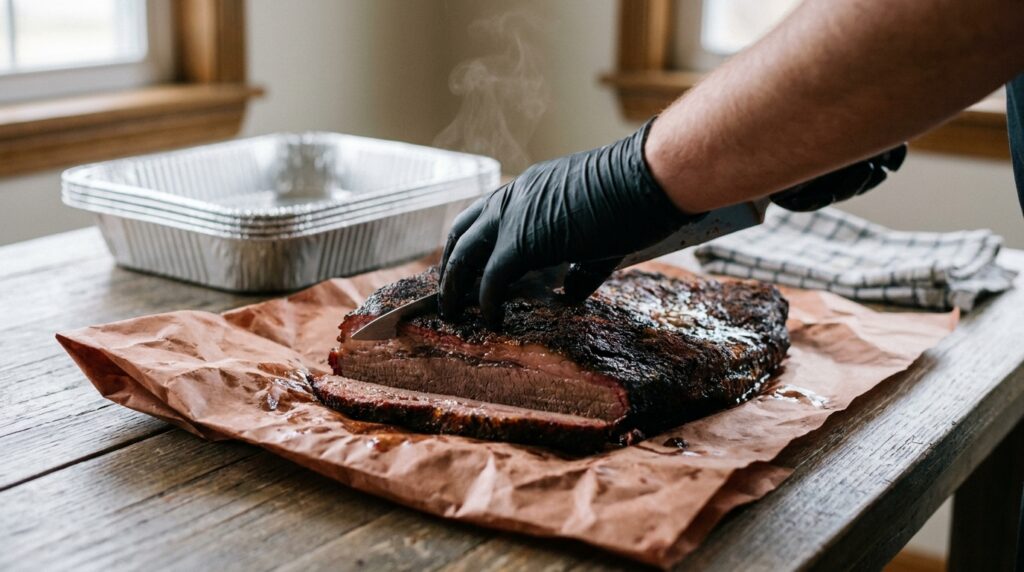
Several cuts can be bought different ways, and the losses are dramatically different. Filet mignon: cut steaks carry almost no waste (about 2%), a peeled tenderloin loses 15-20% squaring the tapered tail and uneven head, and a whole PSMO gives up 25-30% to purge, hard fat, silver skin, and the chain muscle. Brisket comes as a whole packer or a trimmed flat; prime rib bone-in or boneless, in USDA Choice or Prime grade – remember “prime rib” names the cut, not the grade (the rib roast guide walks the Choice vs Prime math). Pick the form you are buying and the “Which is a better deal?” card prices every option at your store’s numbers, including the knife time at your labor rate – cheap per pound is not cheap if it costs an hour of trimming. The winning form drives your shopping list and prints on the client documents, grade included.
Quoting a pig roast? Whole hog lives in the calculator with its real 40% yield and 9-minutes-per-pound timing – the whole hog guide covers the cook itself.
Custom items
Anything we do not carry, you can add: custom meats take a name, cooked ounces per serving, trim+bone percent, and cook loss percent, then join your meat picker with full yield math. Custom sides and desserts take a name, cost per serving, and whether they are a side or a dessert. Both live in My Defaults next to everything else and persist to your account.
Fuel, labor, crew
Fuel estimates come from real cook hours – the timing engine computes how long your actual cuts run, show-smoking time included if you bring the rig – multiplied by your dollars per pit-hour (set your own next to My Pit; blank uses a typical rate for your pit type). Labor auto-estimates from your saved trim and prep times multiplied by the actual piece counts on the job, and your crew roster – names and rates – persists so a new job just needs their hours.
From cost to price
The breakdown shows food, add-ons, labor, consumables, travel, overhead, and spoilage as separate buckets, then prices the job four ways at once: target margin (the headline), food-cost percent, markup, and per-head. Add-ons – drink packages, appetizer hours, dessert course upcharges, rentals, stations, tastings, to-go containers – carry their own cost AND their own charge, and the menu price deliberately excludes their cost so clients are never billed twice. A break-even headcount warns you when a small job cannot clear its fixed costs.
FAQ
Do I have to re-enter my prices on every job?
No. Set defaults once in My Defaults (dollars per pound for meats, per serving for sides), and every new job prefills from them. Saving a job also teaches the tool your latest meat prices automatically; an explicit default always wins over a learned one.
What happens to my settings when I turn a meat off in My menu?
Nothing is lost. Deactivating hides the item from pickers and settings lists to reduce clutter, but every price, time, and yield you saved is kept and reappears exactly as set when you turn the item back on.
Can I use my own trim and cook loss percentages?
Yes – per cut, and per buying form where a cut has them. Enter them under Trim & prep times + my yields in My Defaults. Blank fields use our researched defaults, and anything you type on an individual job overrides both.
How does the calculator know how long my cooks take?
It uses the same timing engine as the main smoking calculator, run per piece for your actual quantities – a 12-packer brisket job schedules like 12 briskets, not one. Fuel and active-cook labor estimates derive from those real hours.
Watch: from caterers who do this
 ▶ How to Cater Large Food Events: Lessons from Dski Grillzby Dski Grillz
Written by John Kirker, who built the first meat smoking calculator in 2011. Times come from cooks we have actually run and logged; temperature and feel decide the finish, never the clock alone.
Reviewed by John Kirker, Founder, John Kirker Inc. - last updated July 31, 2026.

Rated 5by 500+ users
Tagline
Other Options
The MeatSmokingCalculator will help you plan the timeline for any meal.

Planning, ingredients, preparation, and timing are the most critical elements to making and serving great food.
Having enough time is the most important part when it comes to slow and low!
Meat Smoking Calculator takes the thinking out of the process.
It makes cooking and serving amazing tasting smoked meats every time, on time.
SOME OF OUR FAVORITE SITES
Smoking a Turkey for Thanksgiving!
BBQ Brethren
Smoking Meat Forums
Deejay’s Smoke Pit
USDA’s Food Safety Guidelines
Smoking Pit
Virtual Weber Bullet
Smoking Times and Temps
* To help support this free site, posts contain affiliate links. If you use one of the affiliate links, we may earn a commission at no additional cost to you. As an Amazon Associate I earn from qualifying purchases.